Brand
Writing about Costmeter, reviewing it or adding it to a catalogue? Here are the logo, the app icon, the banner and the screenshots, with the colours, the typefaces and the words to describe the app. Take the file that fits and use it as it is.
Logo
The drum beside the name. Start from it wherever there is room for both.


Mark
An odometer drum turned to C, the O above it and a red R below. For where the name does not fit: an avatar, a list of apps, a small corner.


Name
The name alone, for a header or a row of logos where the drum would be too small to read.


App icon
The icon the phone shows. It is square and opaque: the launcher rounds it itself, so leave its corners as they are.

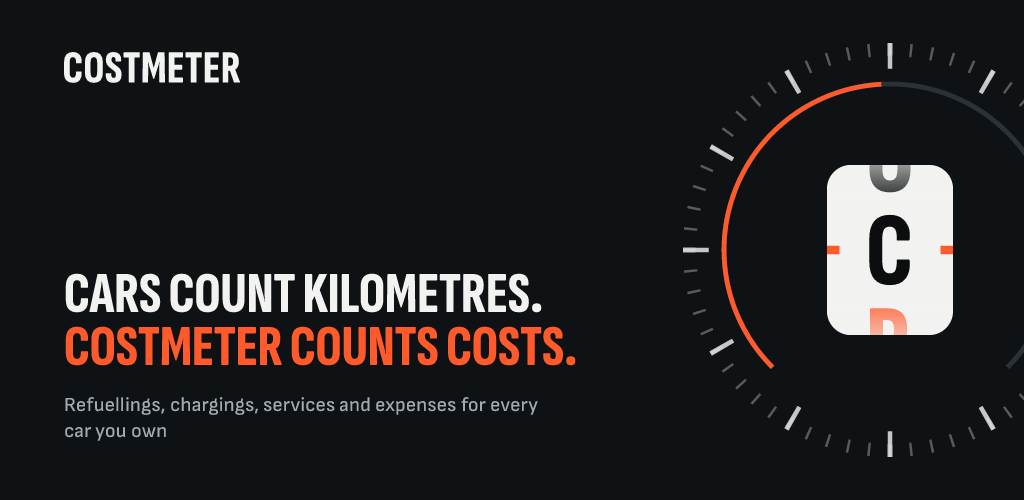
Banner
The graphic made for the Google Play listing, in English and in Polish. It fits the top of an article or a post.
Screenshots
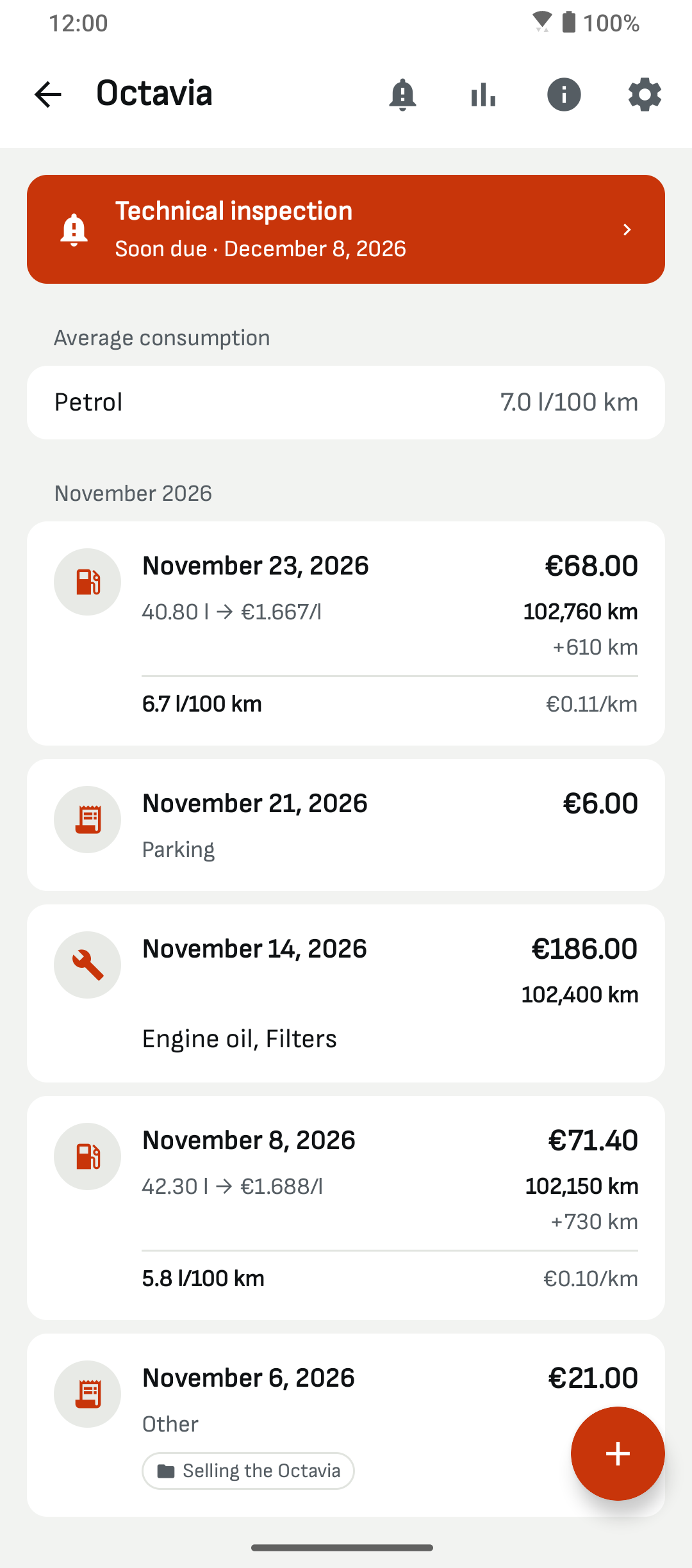
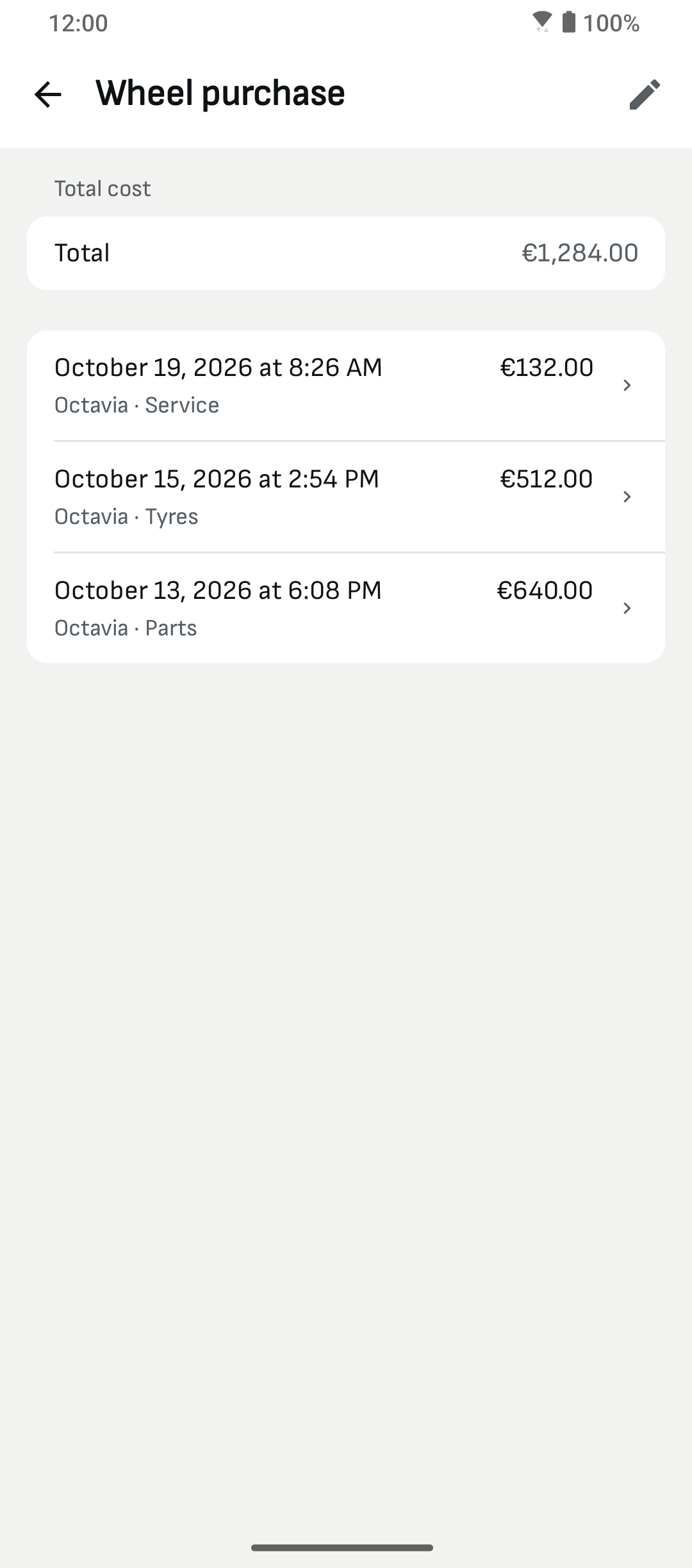
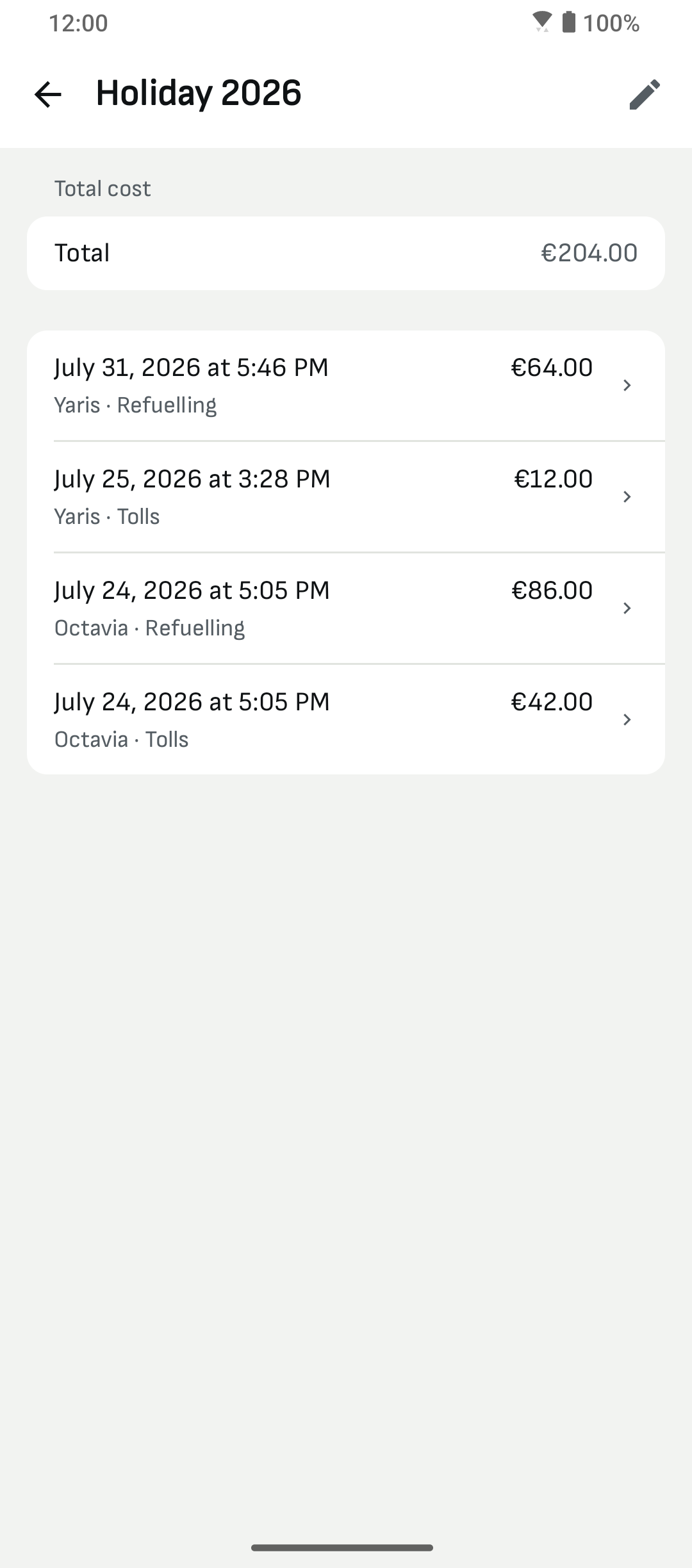
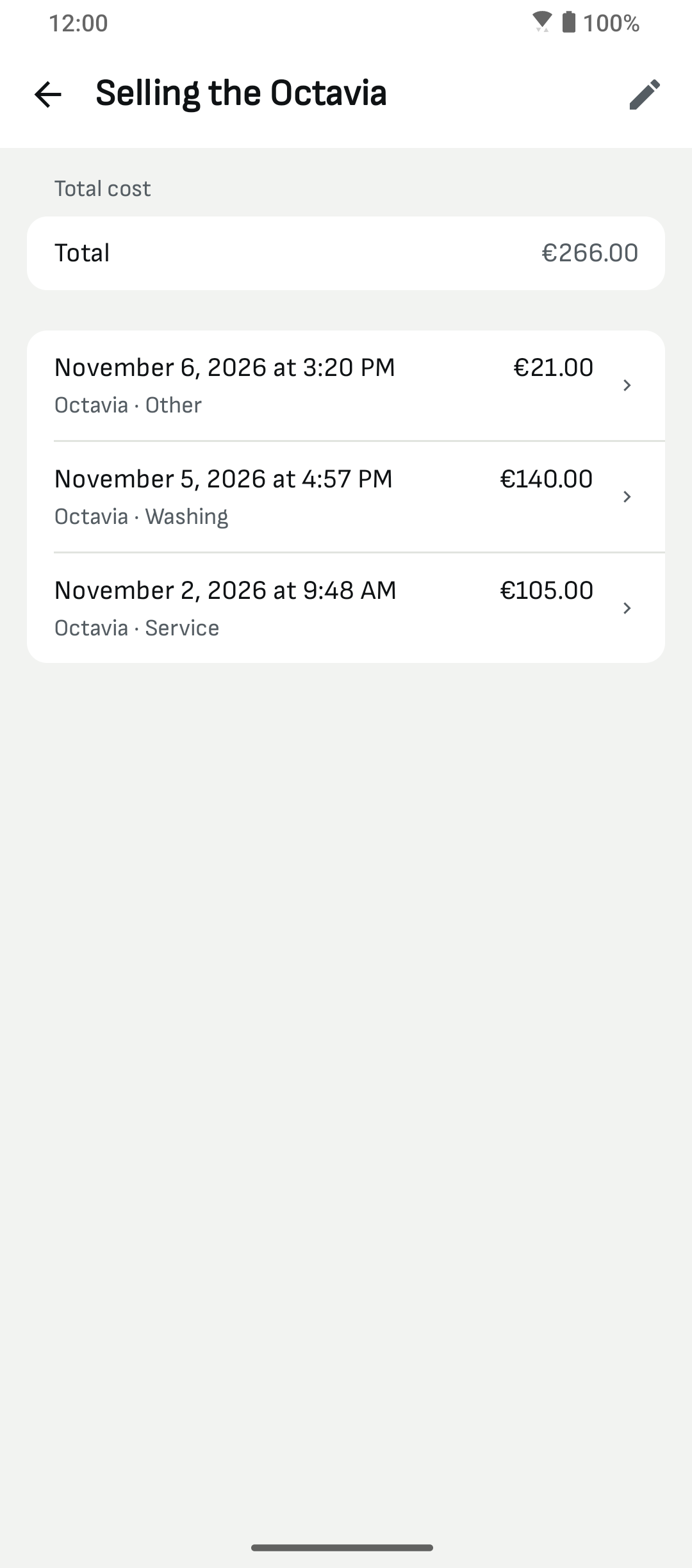
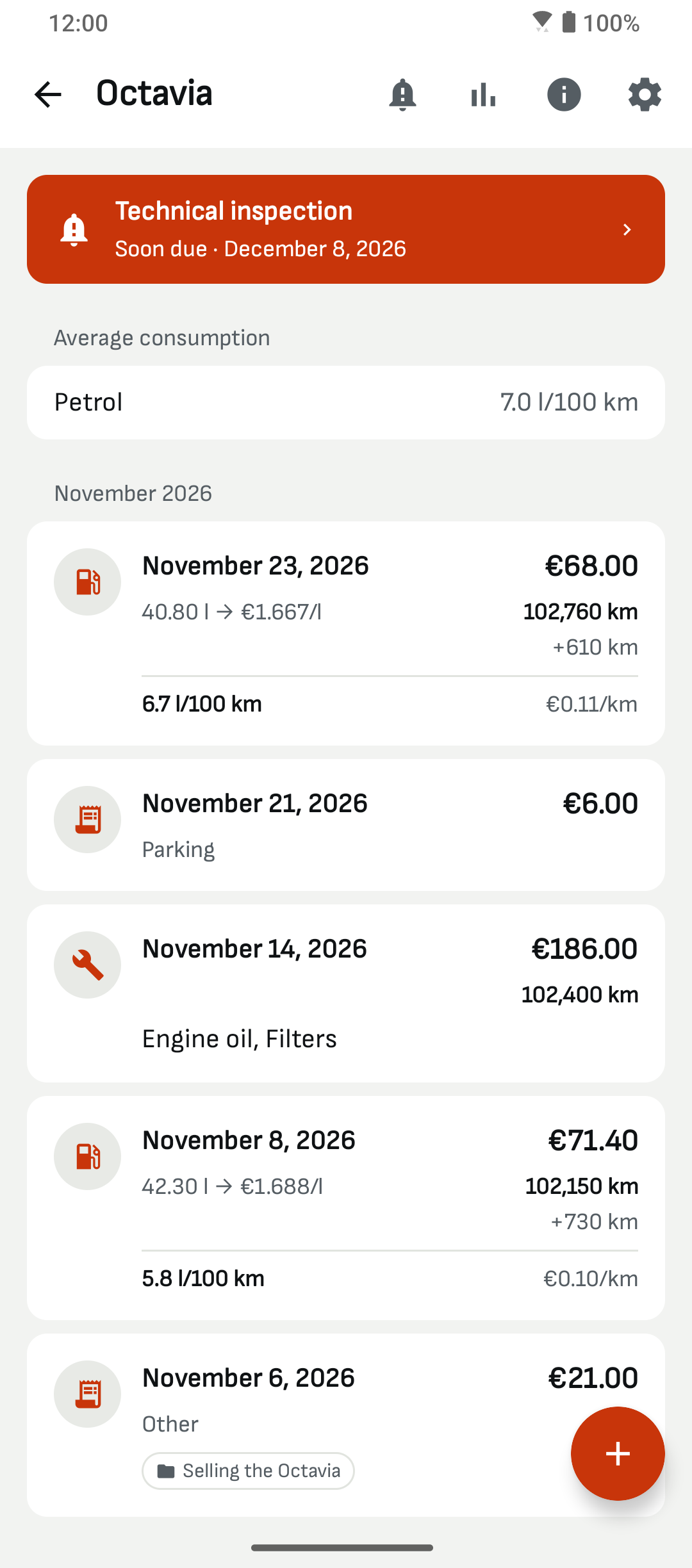
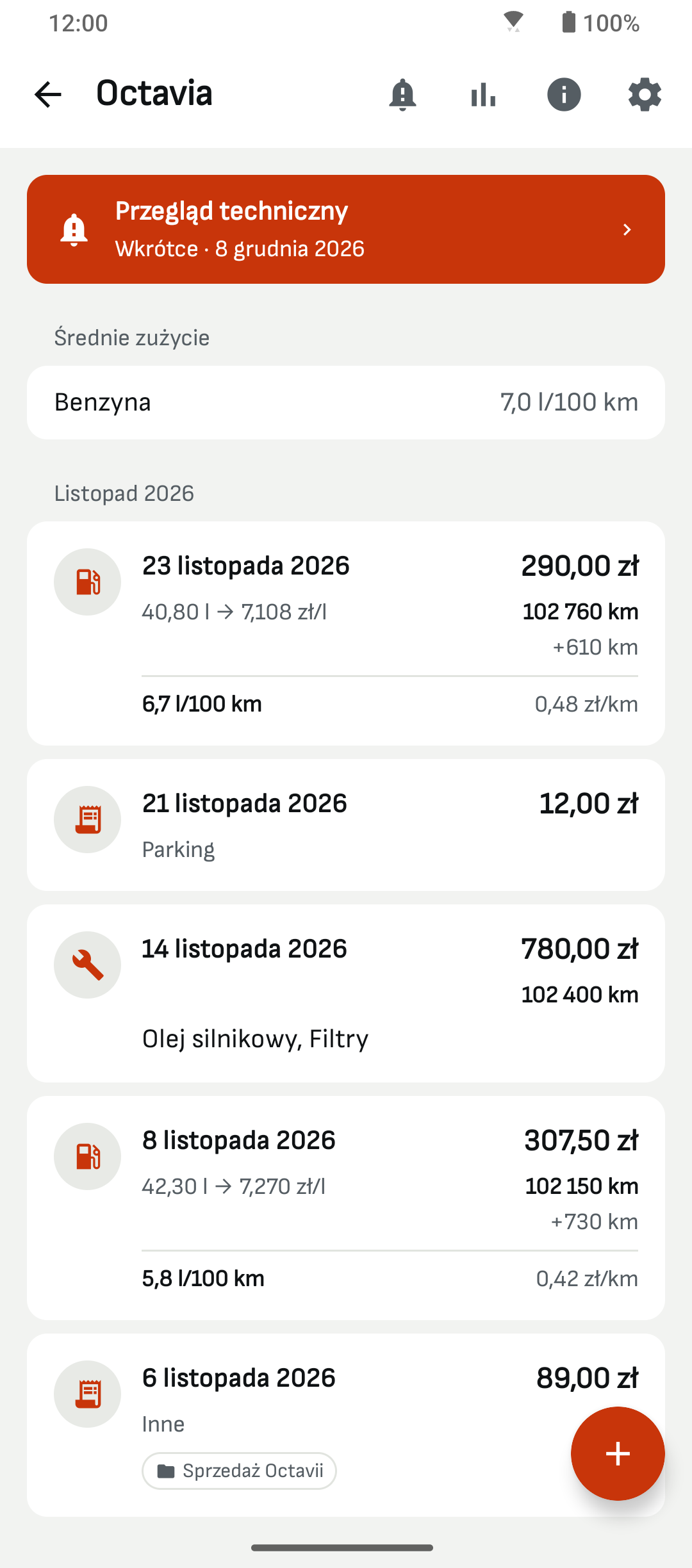
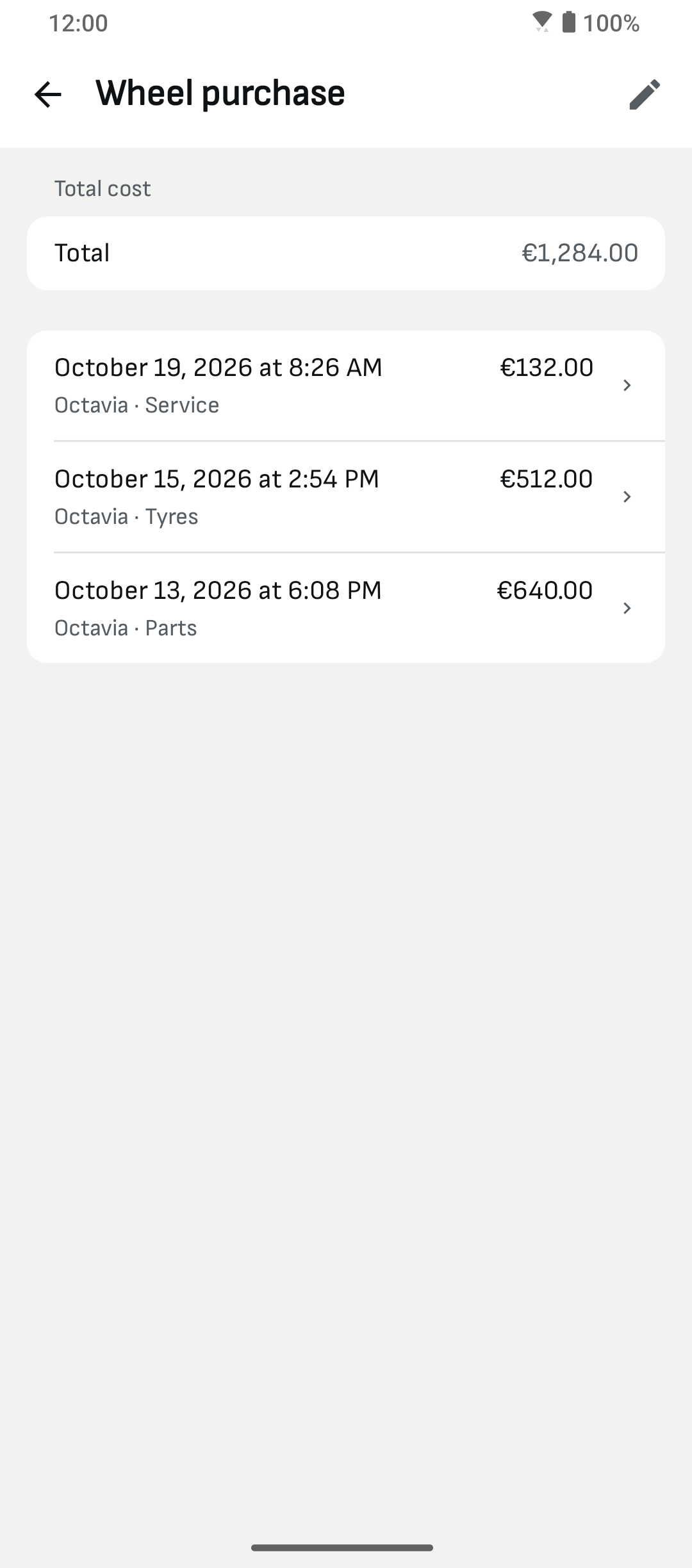
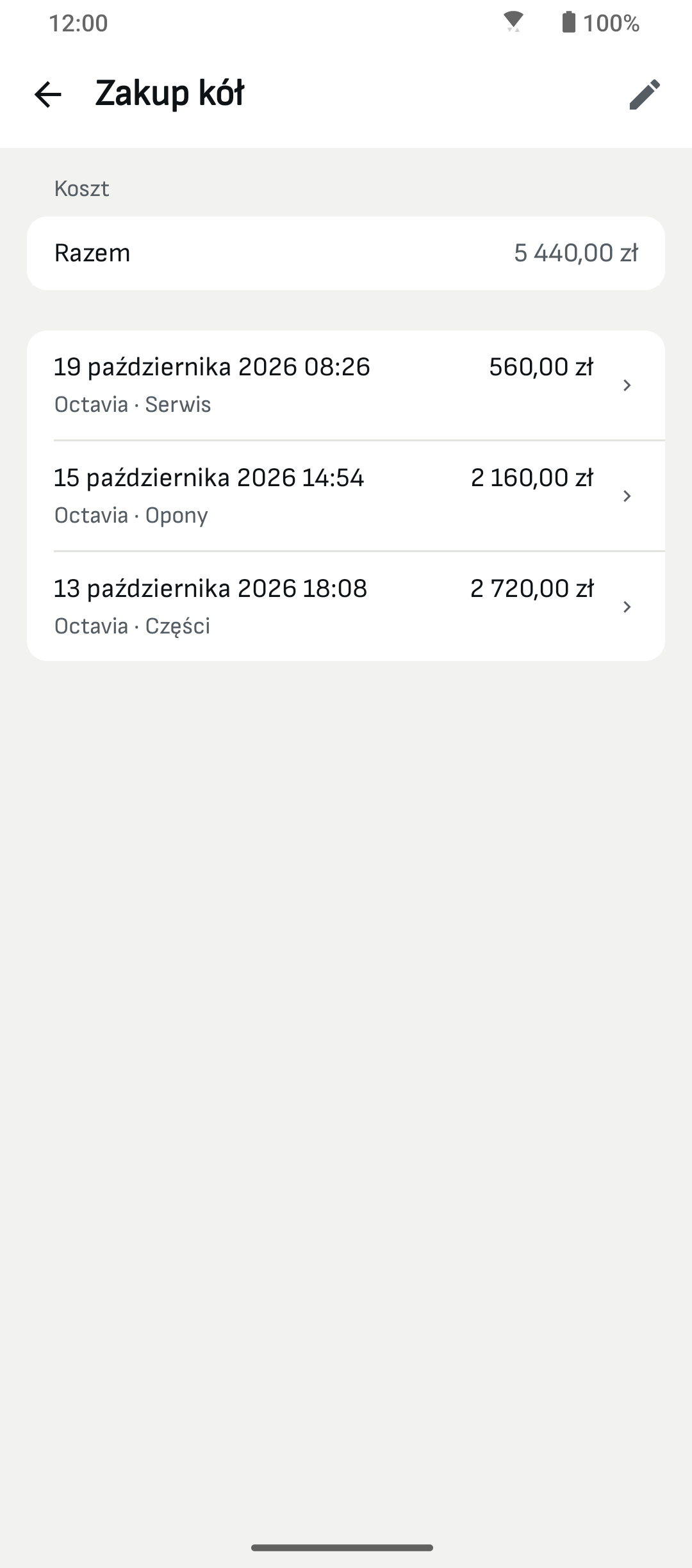
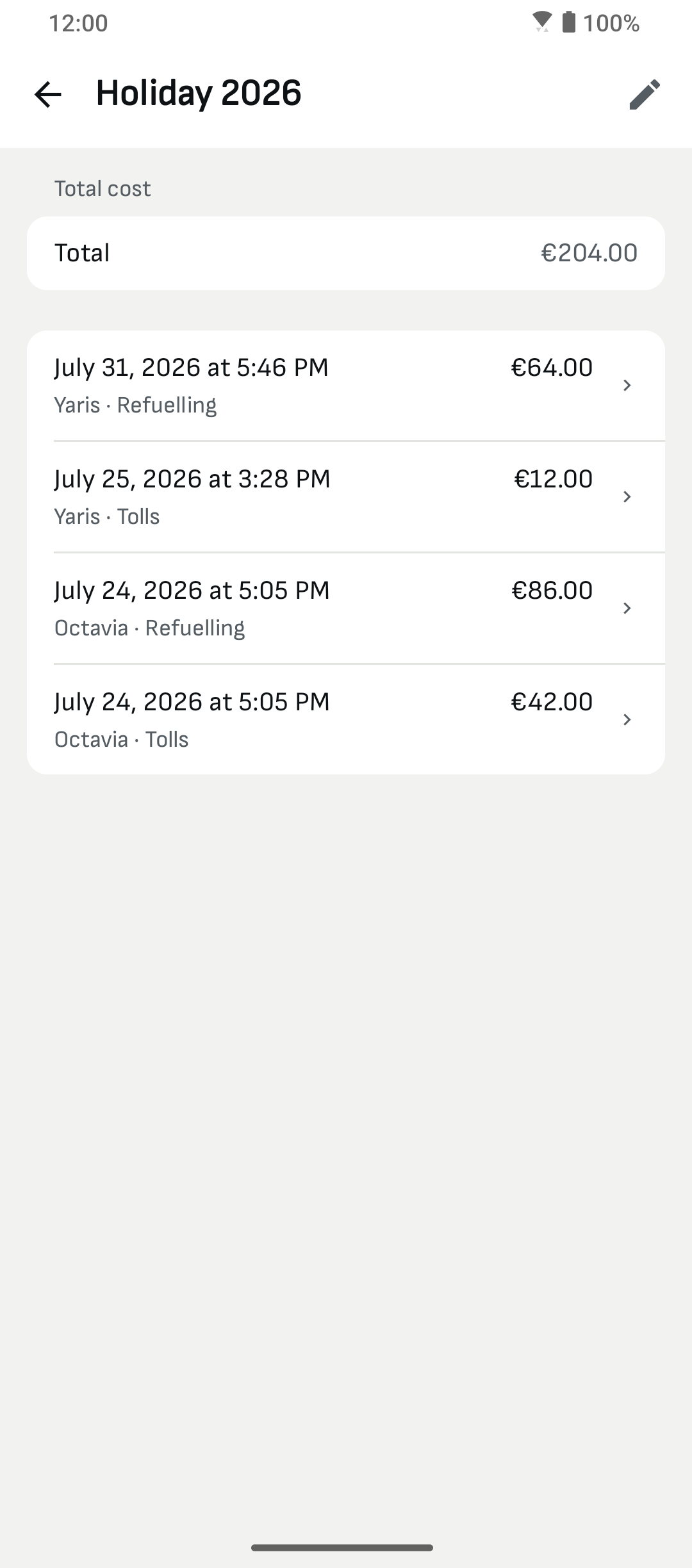
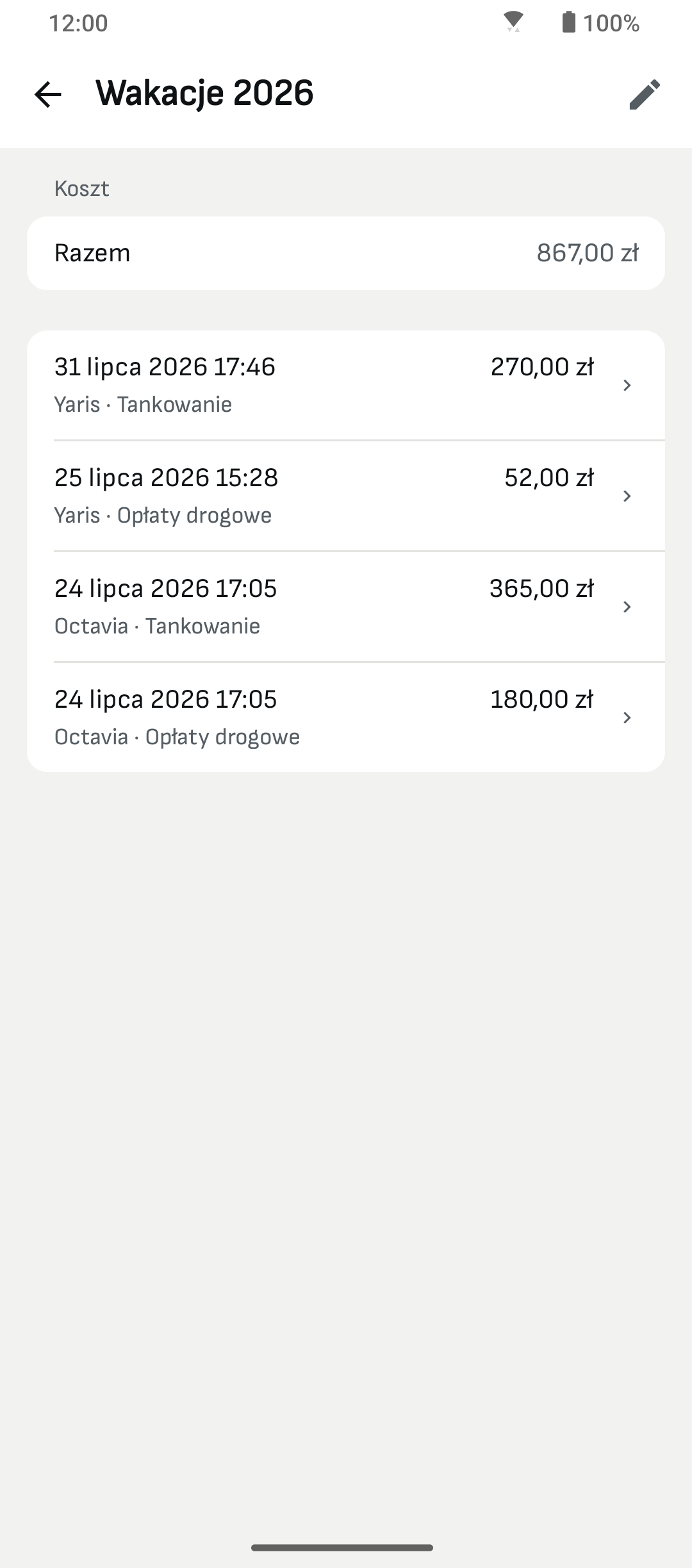
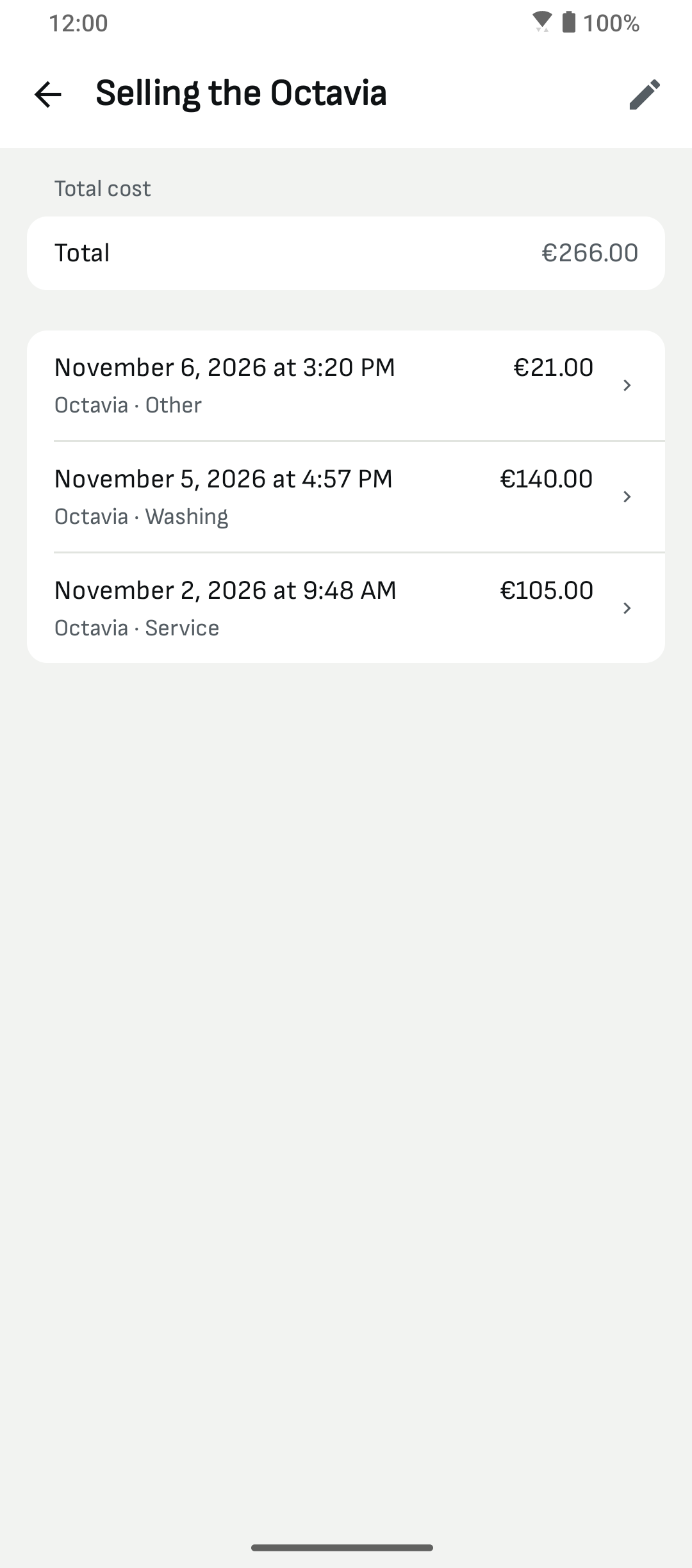
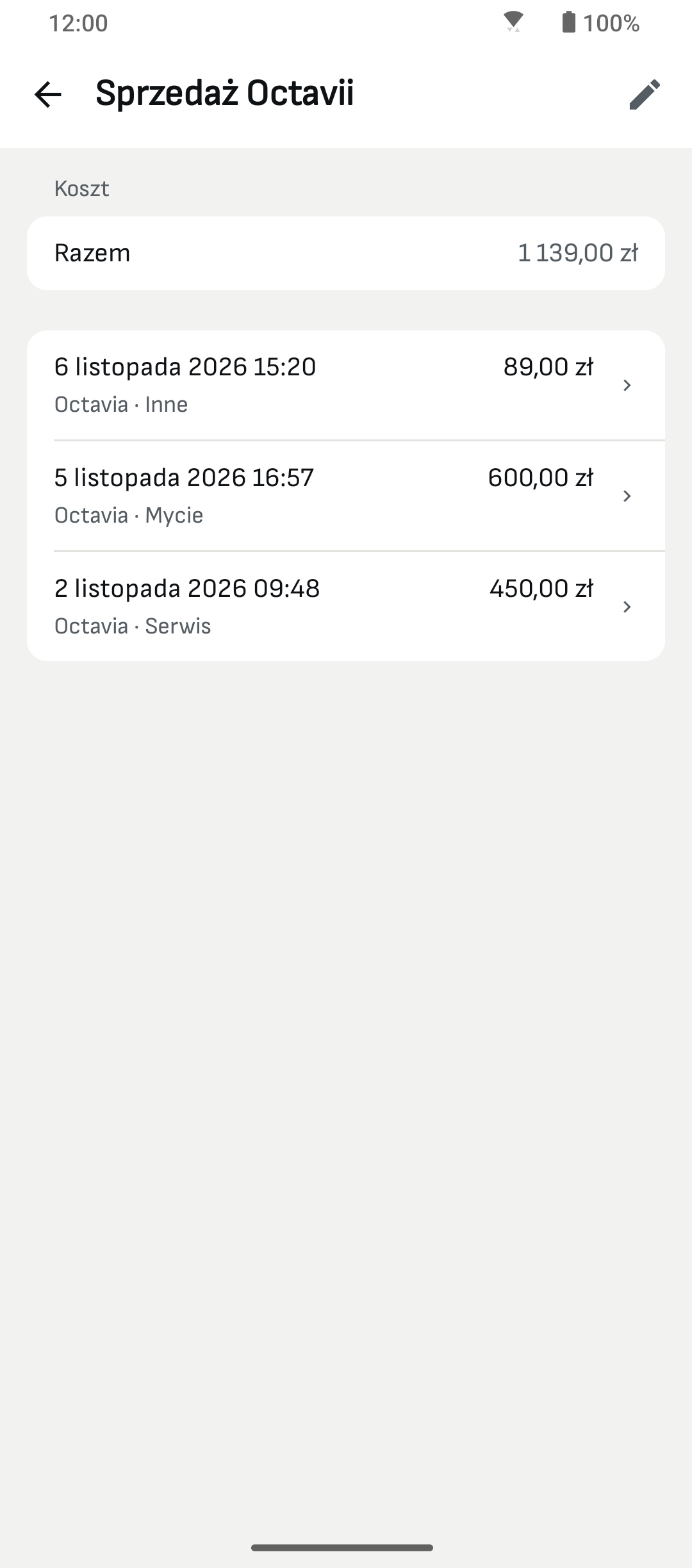
Taken on a phone in the light theme, with sample data: a car’s log and three groups. Each comes in English and in Polish.








Colours
Asphalt, paper and vermilion, the app’s own theme. On a dark background the red turns a shade brighter.
Light
Paper
#F2F3F1
Background
Asphalt
#0F1214
The drum and the name
Vermilion
#F03D0E
The R and the pointers
Dark
Night
#0B0D0F
Background
Paper
#F2F3F1
The drum and the name
Bright vermilion
#FF5A2B
The R and the pointers
Typefaces
Two widths of one family, both free under the SIL Open Font License.
Costmeter counts costs.
Sofia Sans Extra Condensed
The name and the headlines, ExtraBold, in capitals
Sofia Sans Extra Condensed, On Google FontsRefuellings, chargings, services and expenses for every car you own
Name and description
Words to take as they are, for an article, a review or a catalogue entry.
- Name
- Costmeter
- One word, a capital C only. COSTMETER in capitals is the logo, not the way to write it in a sentence.
- Tagline
- Cars count kilometres. Costmeter counts costs.
Costmeter is a free car cost log for Android, with no account and no ads.
Costmeter is a car cost log for Android. The refuellings, chargings, services and expenses of every car go into one log, and the app works out the consumption and the cost per kilometre from them. It needs no account and keeps the data on the phone.
Costmeter is a car cost log for Android. It records refuellings of every fuel, from petrol and LPG to hydrogen, chargings of electric cars and plug-in hybrids, services and expenses, for any number of cars. From them it works out the consumption, the cost per kilometre and the running cost for any period. Entries can be put in groups, such as a wheel purchase or a holiday, to show what the whole thing cost, and a car’s history comes over from Fuelio and My Car. The app is free, has no ads, needs no account and sends nothing anywhere on its own: the whole log stays on the phone. It is made by Filip Krzyżanowski.
Usage
A few rules that keep the logo recognisable wherever it appears.
Do
- Take the version made for your background: light or dark.
- Scale it evenly and leave room around it, at least half the drum’s width.
- Link to costmeter.fkrzski.dev where you can.
Don’t
- Recolour, stretch or rotate it, or add shadows and outlines.
- Set the name in another typeface or redraw the drum.
- Put it on a busy background it does not stand out from.
The name, the mark and the icon identify Costmeter. Use them to refer to the app, never to suggest that it made, endorses or belongs to something it does not.
Unsure about a use? Write to [email protected].